
Submission. Communication. Tracking. Design review—connected in one place.
How it works
Toptech supports digital submissions across leading scanners and workflows, making it easy to use the process that works best for your practice. Once submitted, every case is centralized in Dentallabcloud online portal for tracking, communication, case management, and 3D design review.
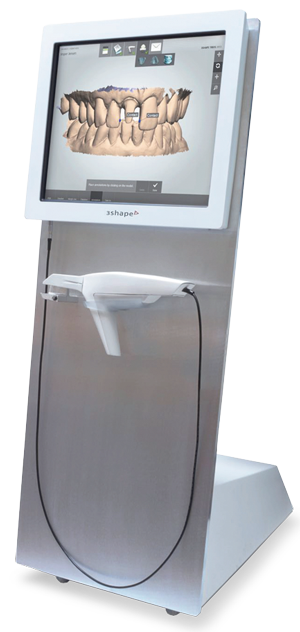
Trios
Trios
- Log in to your 3Shape account
- Under “More” select “Settings”
- In the menu, click “Connections” then “Labs” and “Add”
- Search “service@toptechdental.com” and click “Connect” to send a request to connect
- Once the connection request has been approved, please look for “Glidewell” under your “Scan & Send” menu heading
Trios is a product of 3Shape.
Medit
Medit
- Log in to your Medit account at meditlink.com
- Under “Partner” search for Glidewell by entering service@toptechdental.com and request partnership
- Once partnership is approved, you can select Glidewell when completing the digital Rx
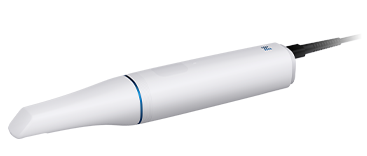
Medit i900 is a product of Medit.
Other Scanning Systems
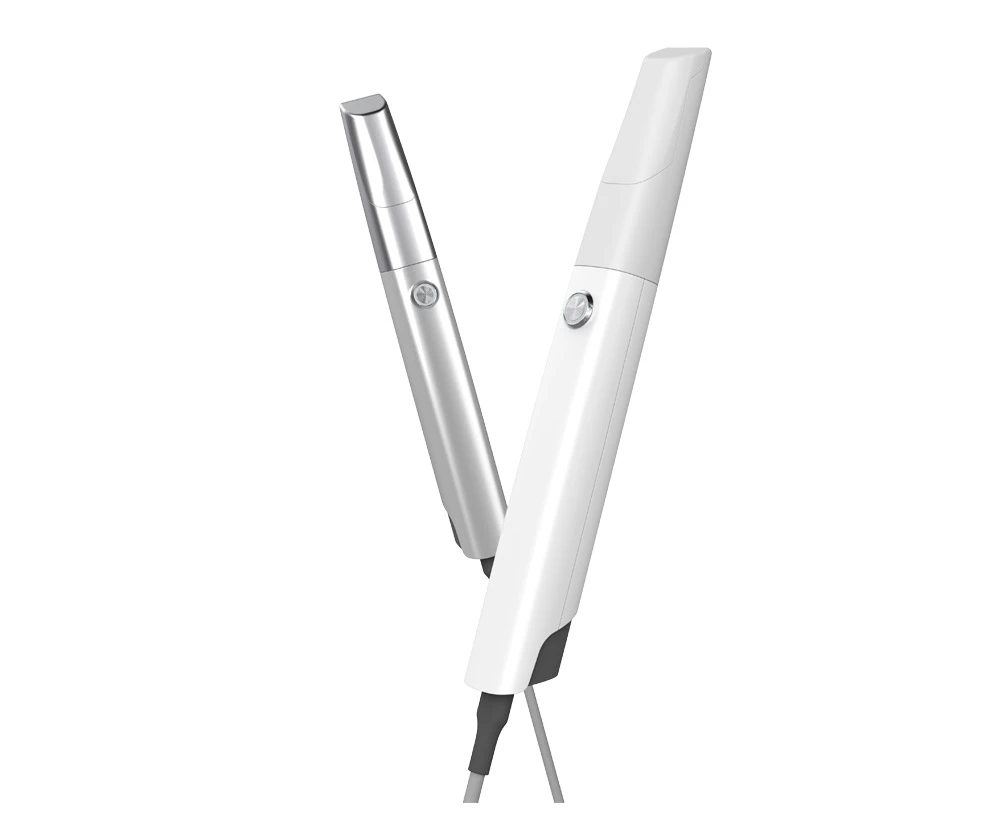
Toptech accepts scans from almost any scanner. For those scanning systems that do not have a direct connection portal to Toptech:
1. Refer to your scanner reseller for how to export you scan files in STL/PLY/DCM format.
2.Once you have obtained them, you can register and upload on our Online portal www.dentallabcloud.com