
Supported Digital Case Sending Platforms
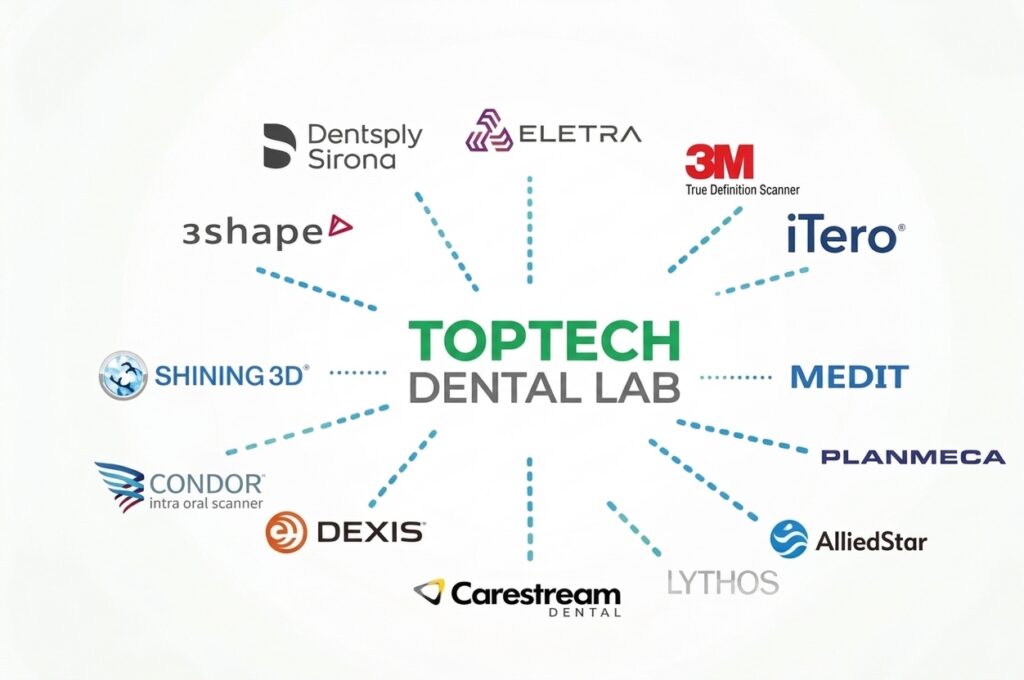
As a full-service dental laboratory, we accept digital cases from dentists and partner labs worldwide through major intraoral scanning platforms and open file workflows. Select a scanner below to learn more about sending your digital case to Toptech Dental Lab.
- 3Shape TRIOS
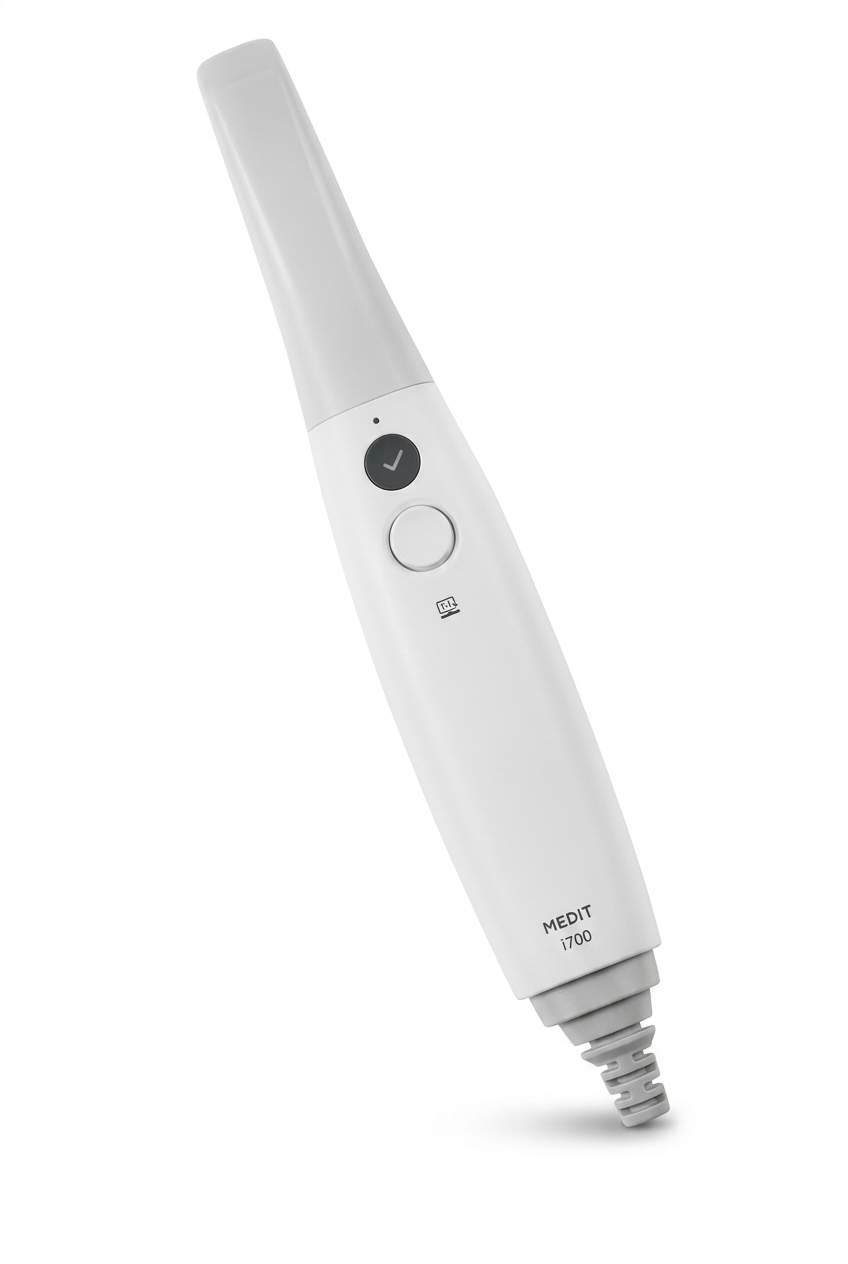
- Medit
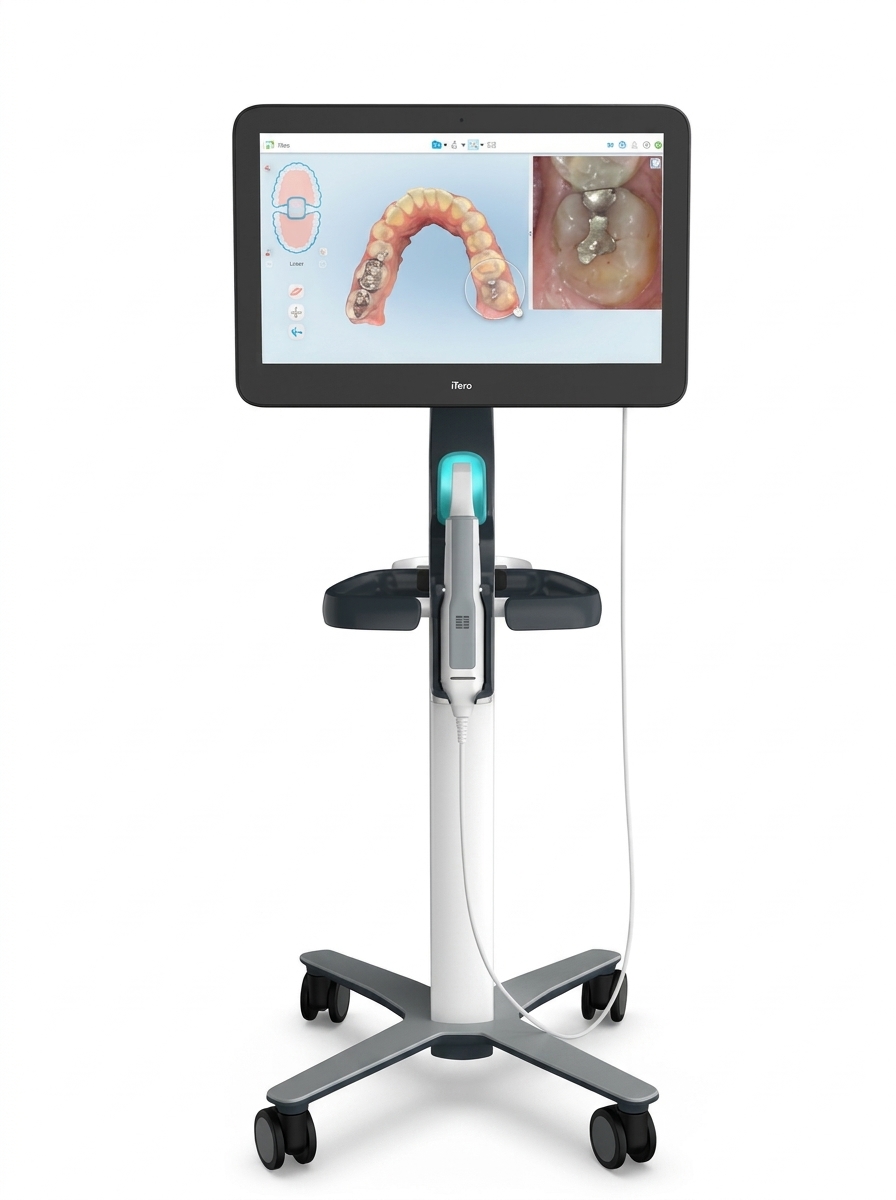
- iTero
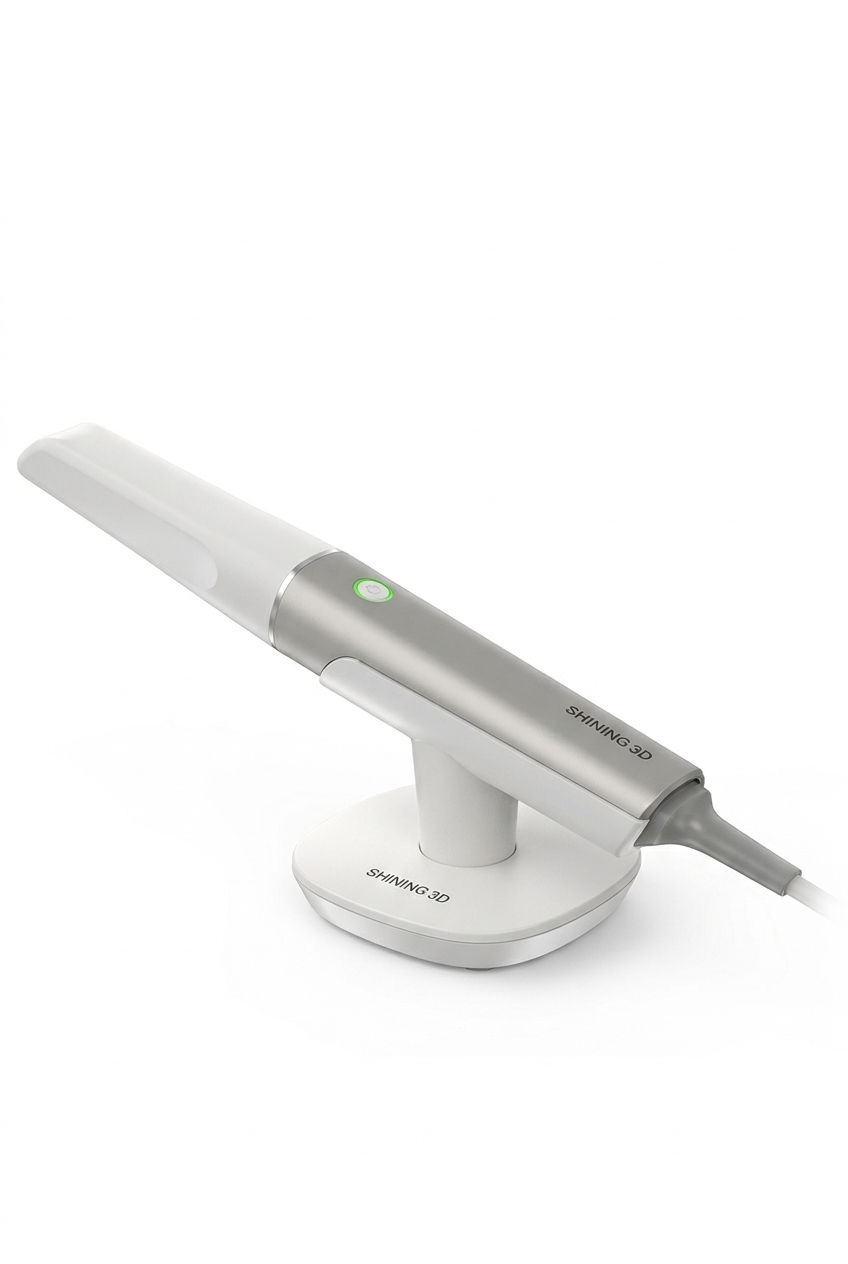
- Shining 3D
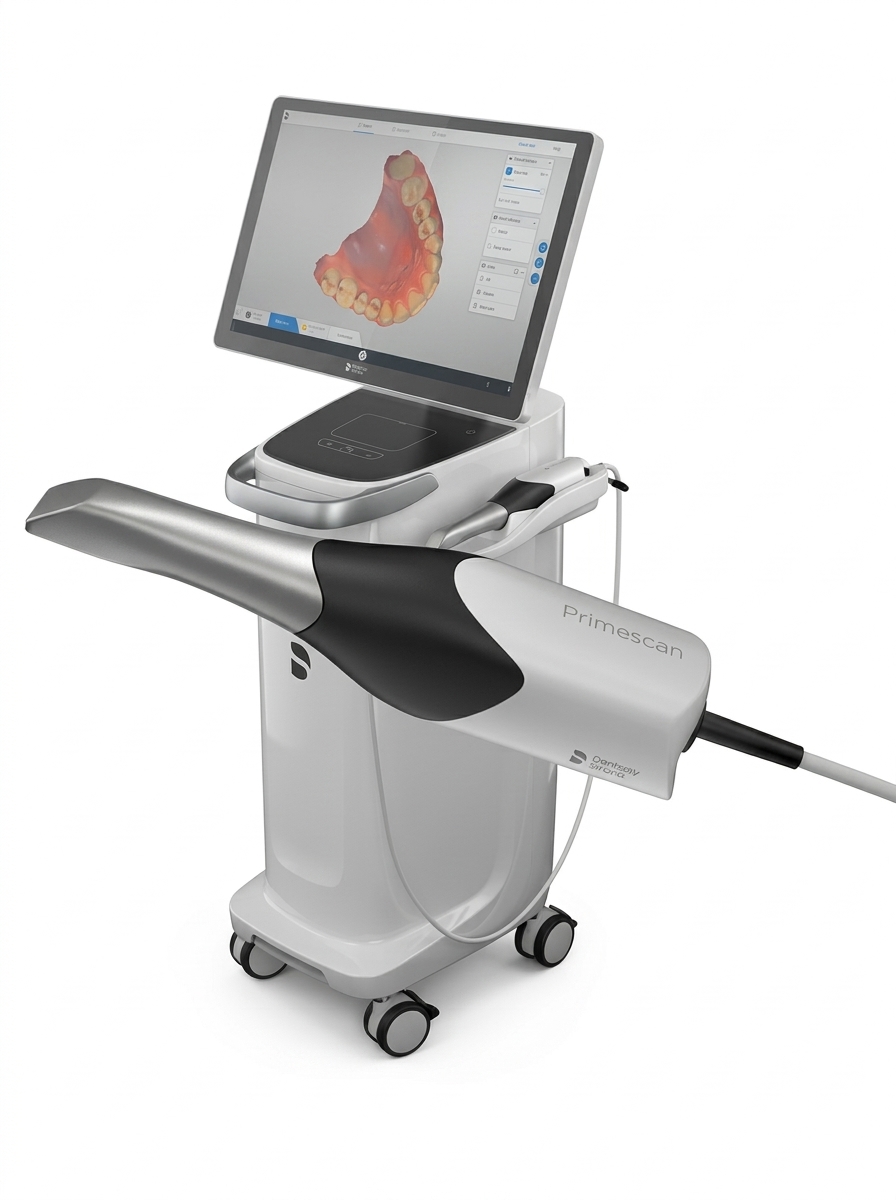
- Dentsply Sirona
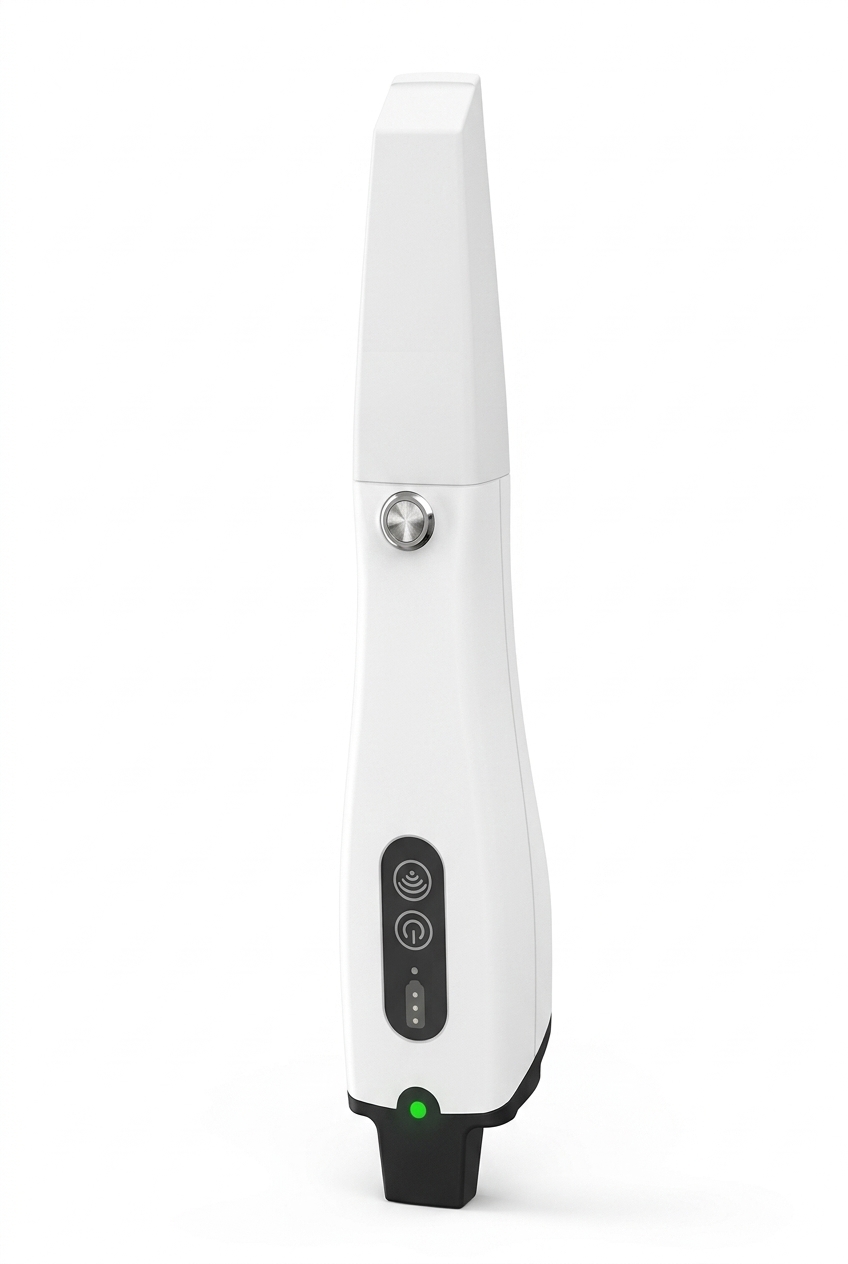
- Panda / Open STL systems
If your scanning platform or software is not listed, please contact our team at service@toptechdental.com and we will help you set up your digital submission.
Toptech Dental Accepted Scanning Systems
Toptech supports digital submissions across leading scanners and workflows, making it easy to use the process that works best for your practice. Select a scanner to learn more about sending your file digitally.
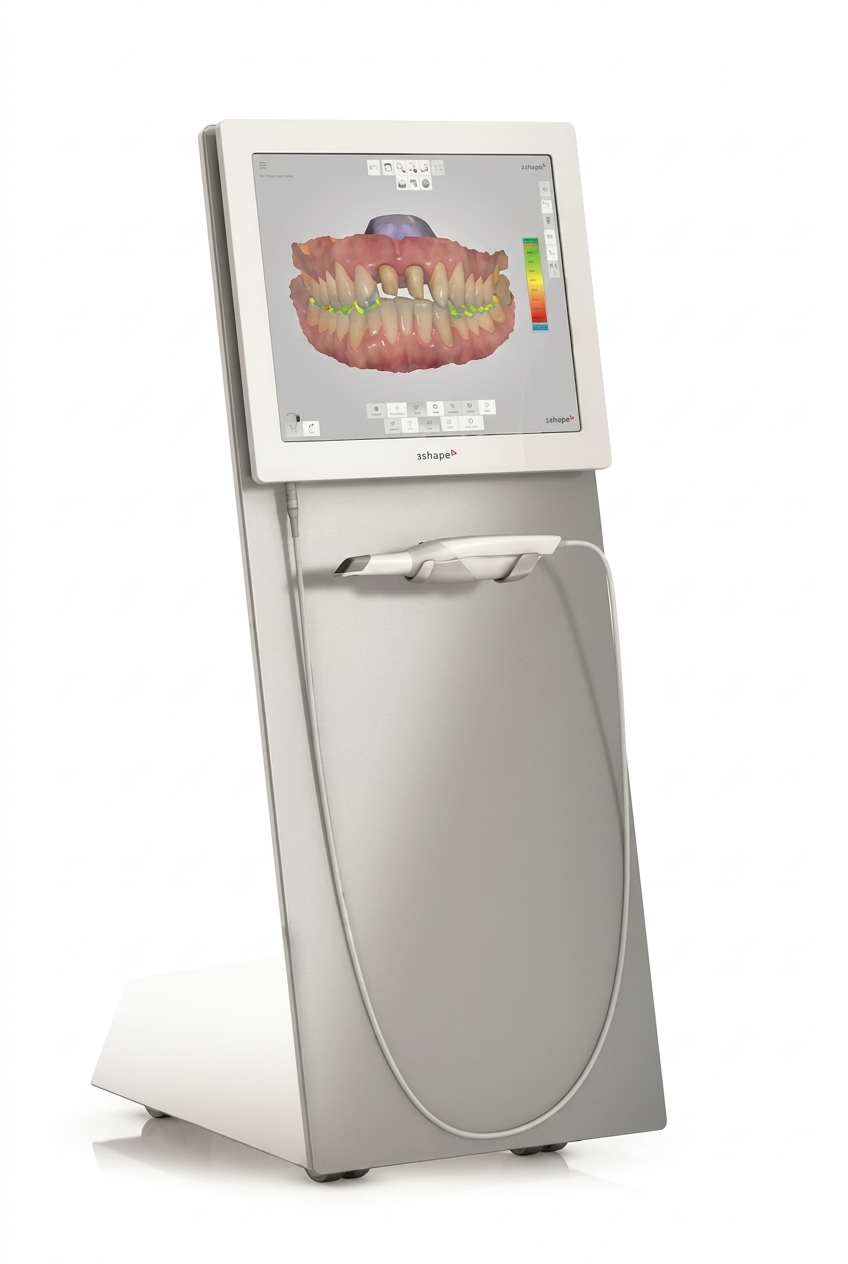
3SHAPE TRIOS
3Shape TRIOS
To connect 3Shape Communicate with Toptech Dental Lab:
- Log in to your 3Shape Communicate portal.
- Go to Connections and click Add Connection.
- Enter service@toptechdental.com in the search field and click Find.
- Select Toptech Dental Lab from the results and click Connect.
- Once approved, Toptech will appear in your Communicate lab list.
To send a case via 3Shape TRIOS:
- Create a new patient order and select Toptech Dental Lab as your laboratory.
- Fill in the restoration type, shade, and implant specifications.
- Complete the upper, lower, and bite scans.
- Review the scan quality and margin line.
- Click Send to transmit the digital case directly to our lab.
Submission. Communication. Tracking. Design review—connected in one place.
Send Digital Cases
-
You may also send digital cases via cloud file transfer services such as:
- Dropbox
- Google Drive
- OneDrive
- WeTransfer
- Please share the download link with us at: service@toptechdental.com
- Digital cases can also be sent directly by email if the file size allows.